DBR77 Marketplace for manufacturers
A manufacturing plant or warehouse publishes a Technology Challenge, receives concepts and offers from integrators in one standard format, and compares them side by side. Access is free for plants and warehouses.
DBR77 Marketplace for manufacturers: find the right automation partner · Example data
Transcript
IN THE APPLICATION
What you do in the application
Step 1
Describe the challenge
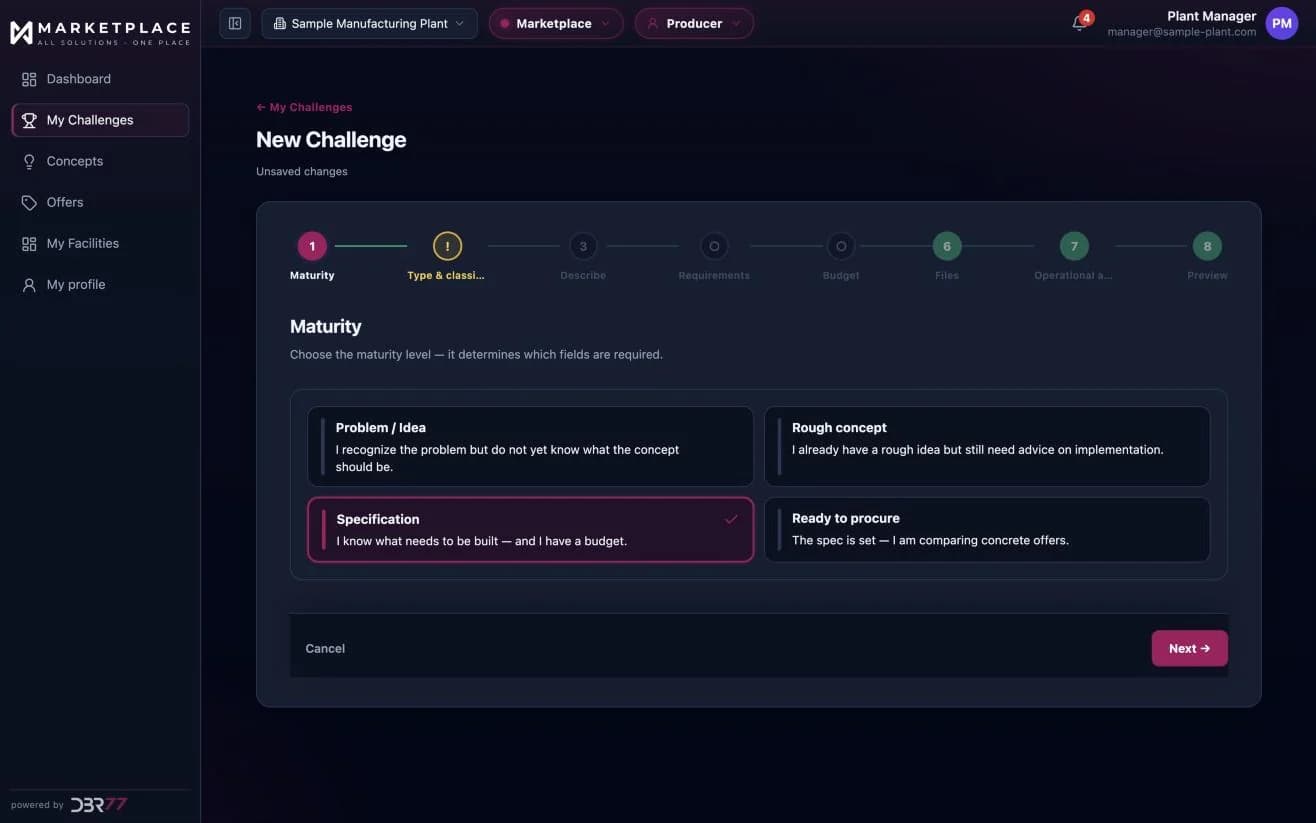
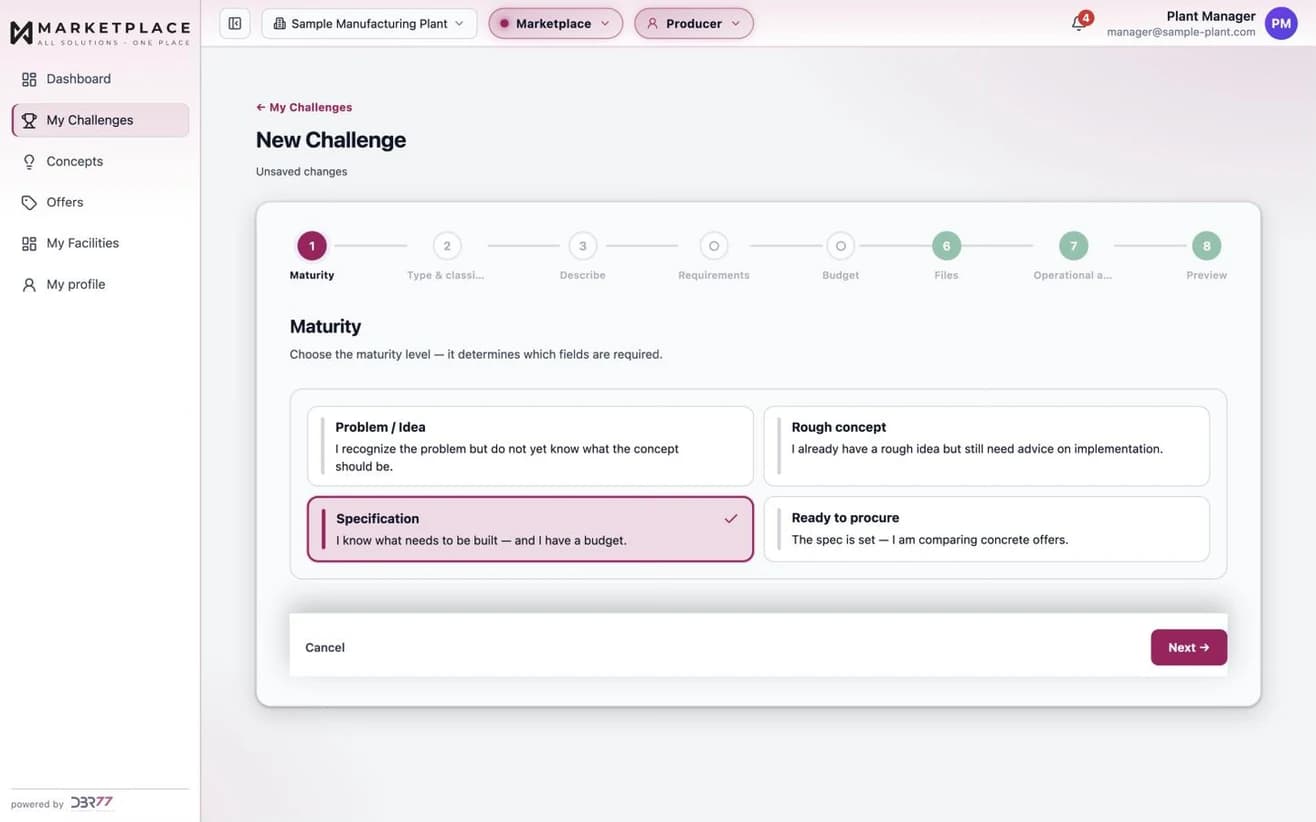
The Technology Challenge wizard has eight steps. The first step sets the project's maturity, which decides the required fields. You add the description, requirements, budget, files and operational assumptions, and check a preview before publication.
Step 2
Publish it
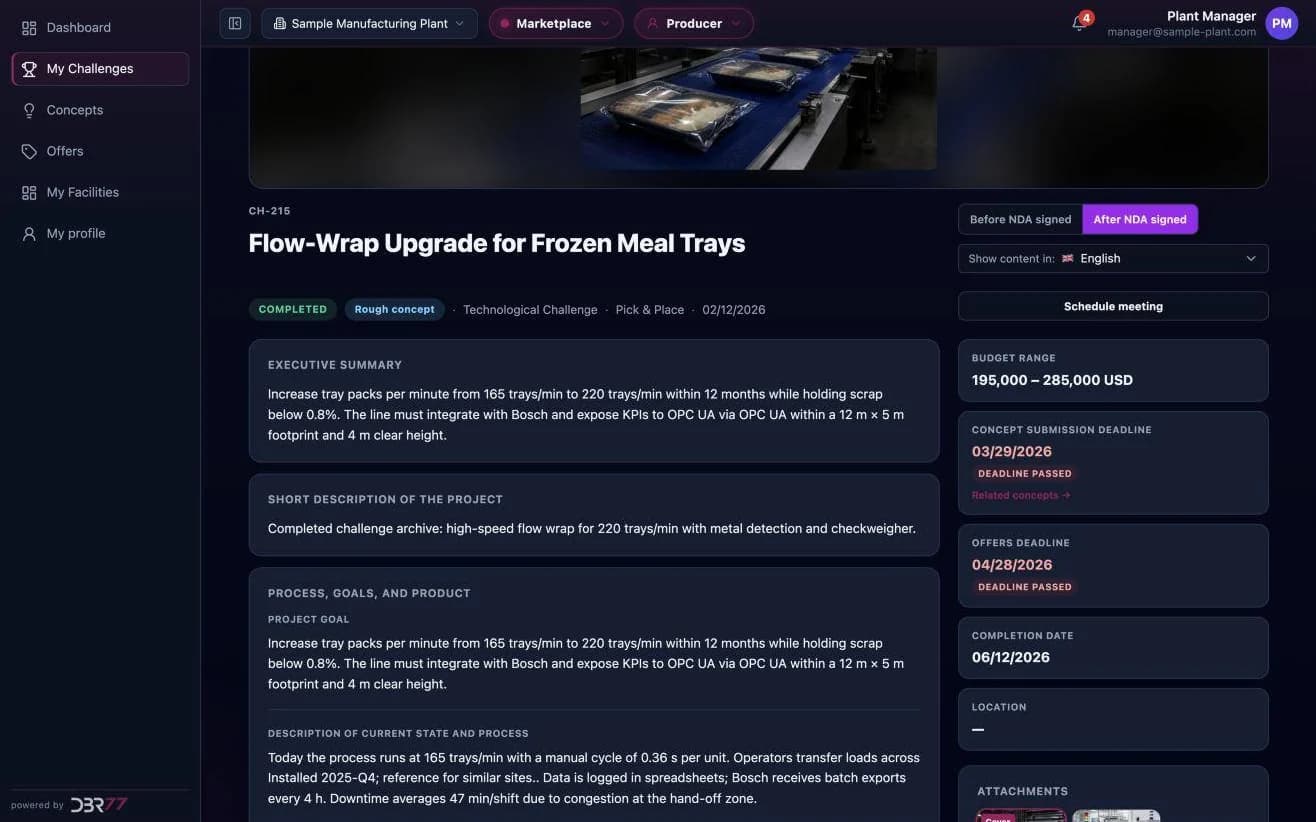
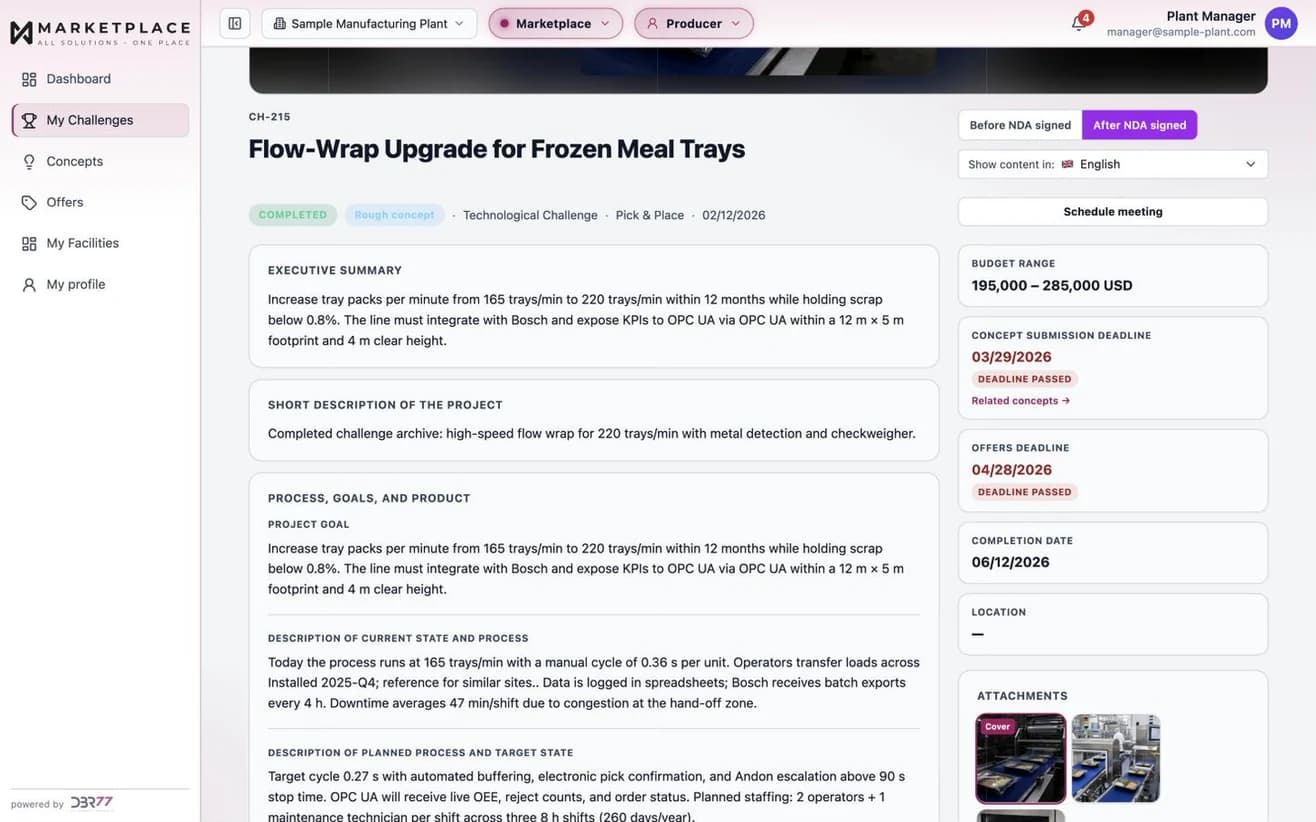
A published challenge shows an executive summary, the budget range and the deadlines for concepts and offers. Details appear in separate views before and after the standard mutual NDA is signed with DocuSign. A Q&A tab collects follow-up questions.
Step 3
Review concepts
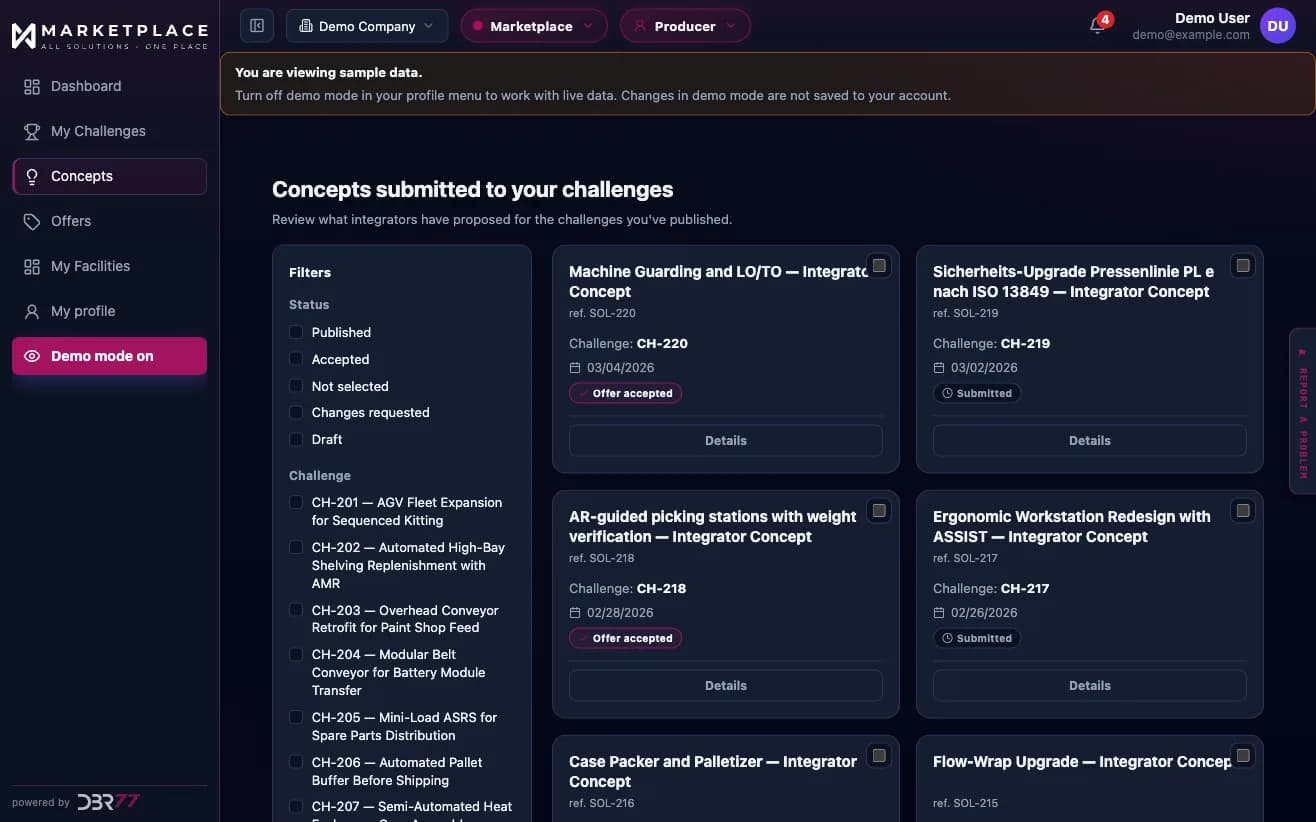
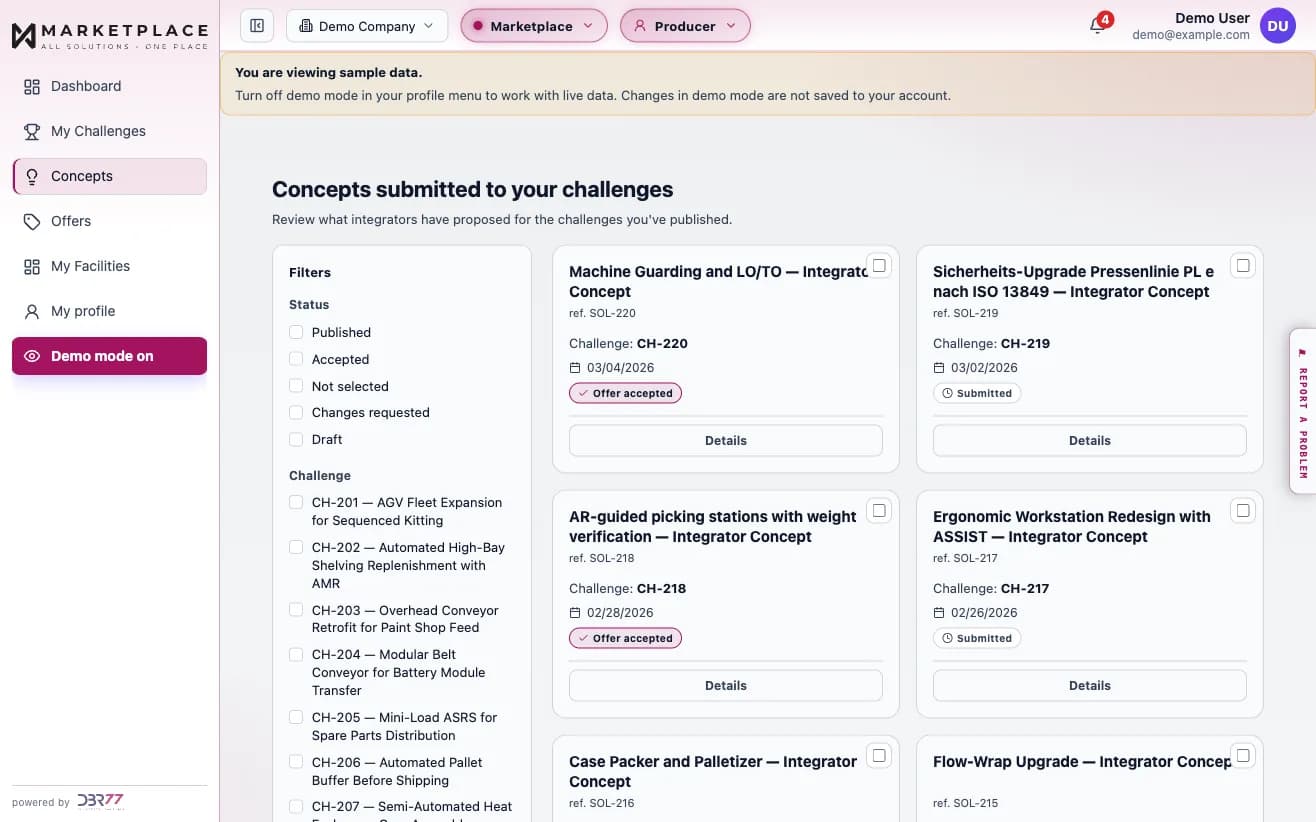
Integrators answer with concepts. You filter them by status and challenge and build a shortlist. A concept can refer to products from technology suppliers' catalogs.
Step 4
Compare offers
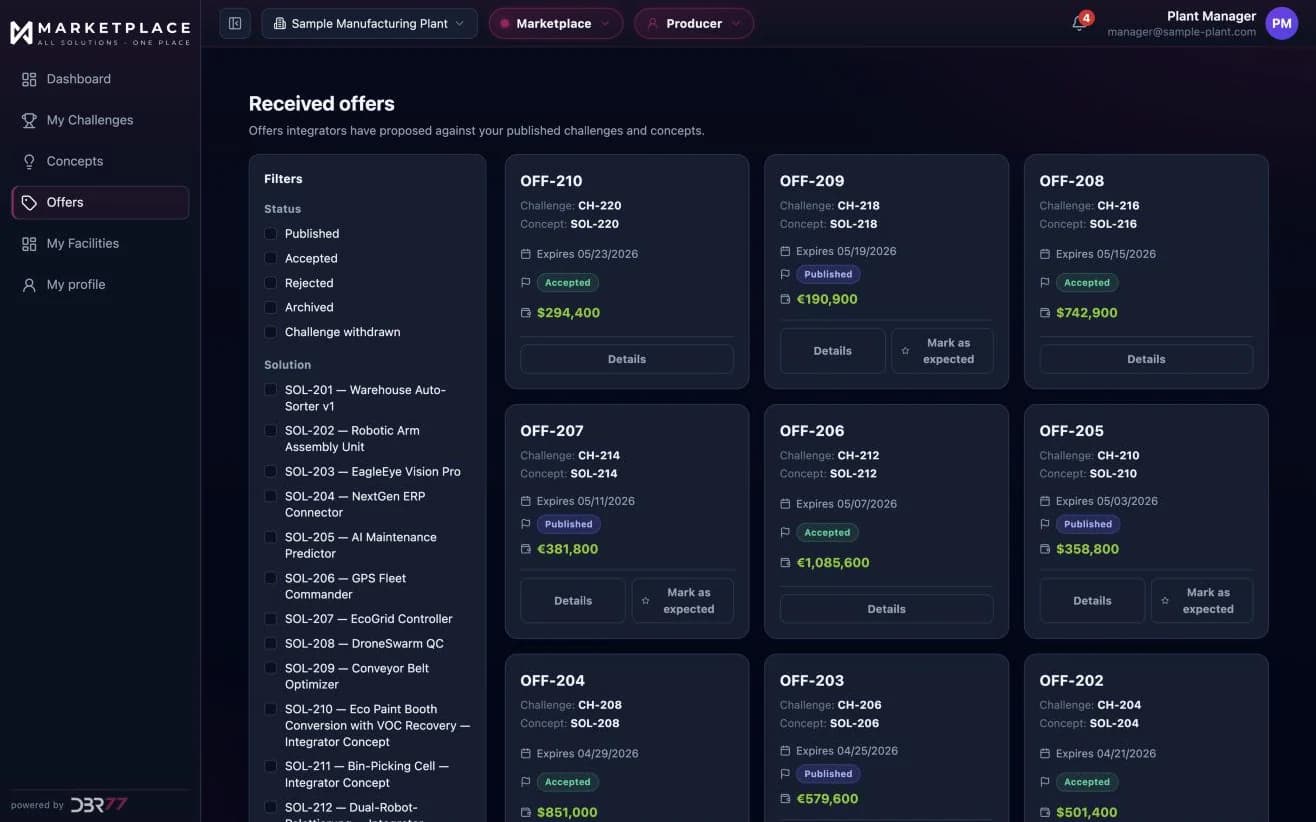
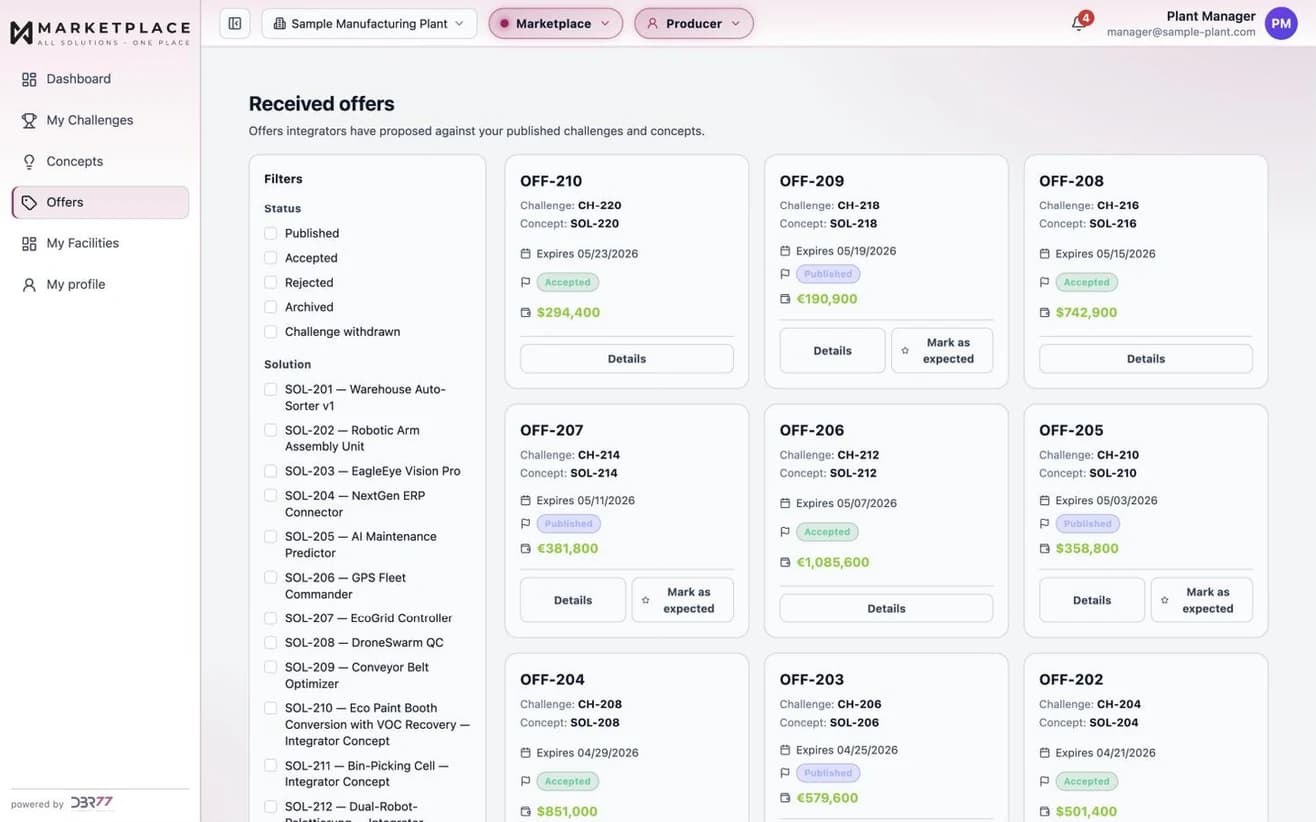
Offers come in one standard format. Each one is linked to its challenge and concept and lists delivery time, warranty, payment terms, installation, training and support, so scope, price and terms sit side by side.
Step 5
Follow open items
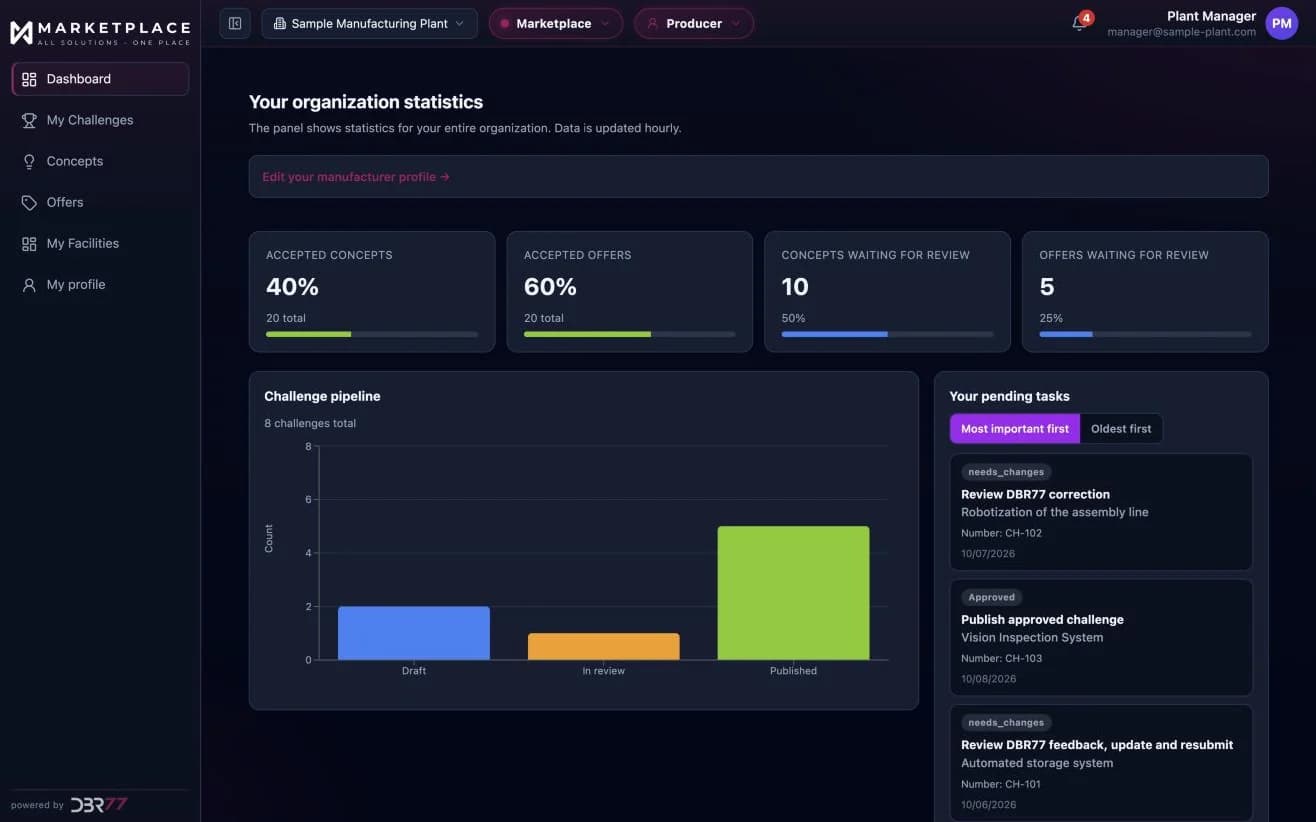
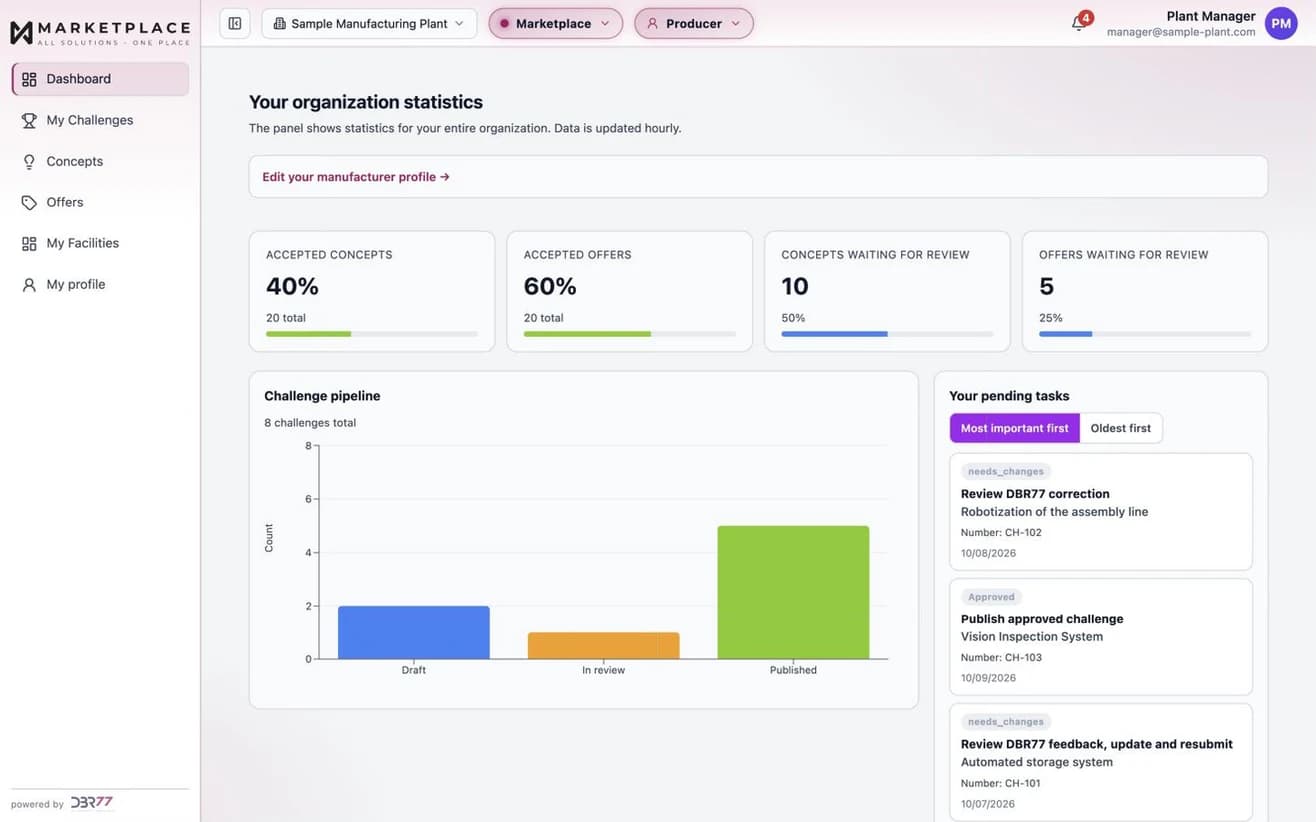
The dashboard shows accepted concepts and offers, items waiting for review, the challenge pipeline and pending tasks. From an accepted offer you can generate a contract, review it and send it for signing. Meetings have their own section.
TUTORIALS
Watch how it works, step by step
Short walkthroughs of the application on sample data. Narration and transcripts are in English.
Transcript
Start in My Challenges and choose New. The wizard has eight steps. First, set the maturity of your project. This decides which fields are required later. Then classify the challenge and describe the problem in your own words. Add requirements and a budget range. Attach files if you have them, and list your operational assumptions. The last step is a preview. Check how integrators will see your challenge, and submit it for review.
Transcript
Concepts from integrators appear in one list. Filter them by status or by challenge to see what needs your attention. Open a concept to read the proposal and its assumptions. Then decide. Accept it, request changes, or reject it. From the same screen you can jump to the parent challenge and see the offers that belong to this concept.
Transcript
Offers arrive in one standard format. Filter by status to find the ones you still have to review. Each card shows the offer number, the challenge, the validity date and the price. Open an offer to see delivery time, warranty and payment terms next to each other. Mark the offer that matches your expectations, and keep the others for comparison.
PRICING
What it costs
Access is free for manufacturing plants and warehouses.
- Publishing challenges, receiving concepts and offers and comparing them costs nothing.
- Verification is required.
- Integrators and technology suppliers pay a commission based on the project value.
Details: pricing and commission.
GETTING STARTED
How to start
Look through the demo
Open the manufacturer demo. It runs on sample data and needs no account.
Set up your company profile
DBR77 approves profiles before publication and verifies companies.
Describe and publish the challenge
Work through the eight steps of the wizard, check the preview and publish.
Sign the NDA
The standard mutual NDA is signed with DocuSign. The challenge then shows its full view.
Review concepts and compare offers
Filter the concepts, build a shortlist and compare the offers in the standard format.
Accept an offer
Generate the contract from the accepted offer, review it and send it for signing.
FAQ
Questions and answers
What does DBR77 Marketplace cost a manufacturer?
It is free. Access is free for manufacturing plants and warehouses, including publishing challenges and comparing offers. Verification is required. Integrators and technology suppliers pay a commission based on the project value.
What is a Technology Challenge?
A Technology Challenge is the brief a plant publishes to ask integrators for solutions. It holds the description, requirements, budget range, files, operational assumptions and the deadlines for concepts and offers.
Do I have to sign an NDA?
A challenge shows separate views before and after the NDA is signed. The standard mutual NDA of the platform is signed with DocuSign.
How do I compare offers from different integrators?
Offers arrive in one standard format. Each one shows its status, expiry date, price, delivery time, warranty, payment terms, installation, training and support, and you can compare the terms of several offers for the same challenge.
Who checks the companies on the platform?
DBR77 does. It approves profiles before publication, verifies companies and awards verification badges.
Can I try the application before I register?
Yes. The manufacturer demo opens the application with sample data, and no data is saved.
See it with sample data
The demo opens the application with sample data. If you prefer to talk to a person first, the team answers through the contact form and a meeting calendar.
READ MORE
Related articles and pages
- How to write a better automation challenge brief
- How to compare robot integrators, OEMs and turnkey suppliers
- What to check before signing an automation contract
- Case studies
For integrators
An integrator builds a public profile, answers published challenges from manufacturing plants and warehouses with concepts and offers, and keeps offers, contracts and meetings in one application.
For technology suppliers
A technology supplier publishes a product catalog that integrators refer to in their concepts, and sees where the products are used.