DBR77 Marketplace for technology suppliers
A technology supplier publishes a product catalog that integrators refer to in their concepts, and sees where the products are used. Suppliers work on commission, unless agreed otherwise.
DBR77 Marketplace for technology suppliers · Example data
Transcript
IN THE APPLICATION
What you do in the application
Step 1
Set up the supplier profile
The profile wizard covers identity, market, technology focus, industries, trust signals, contacts and your sites. Before you publish, you review and accept the IP and legal terms. DBR77 approves profiles before publication.
Step 2
Publish a product catalog
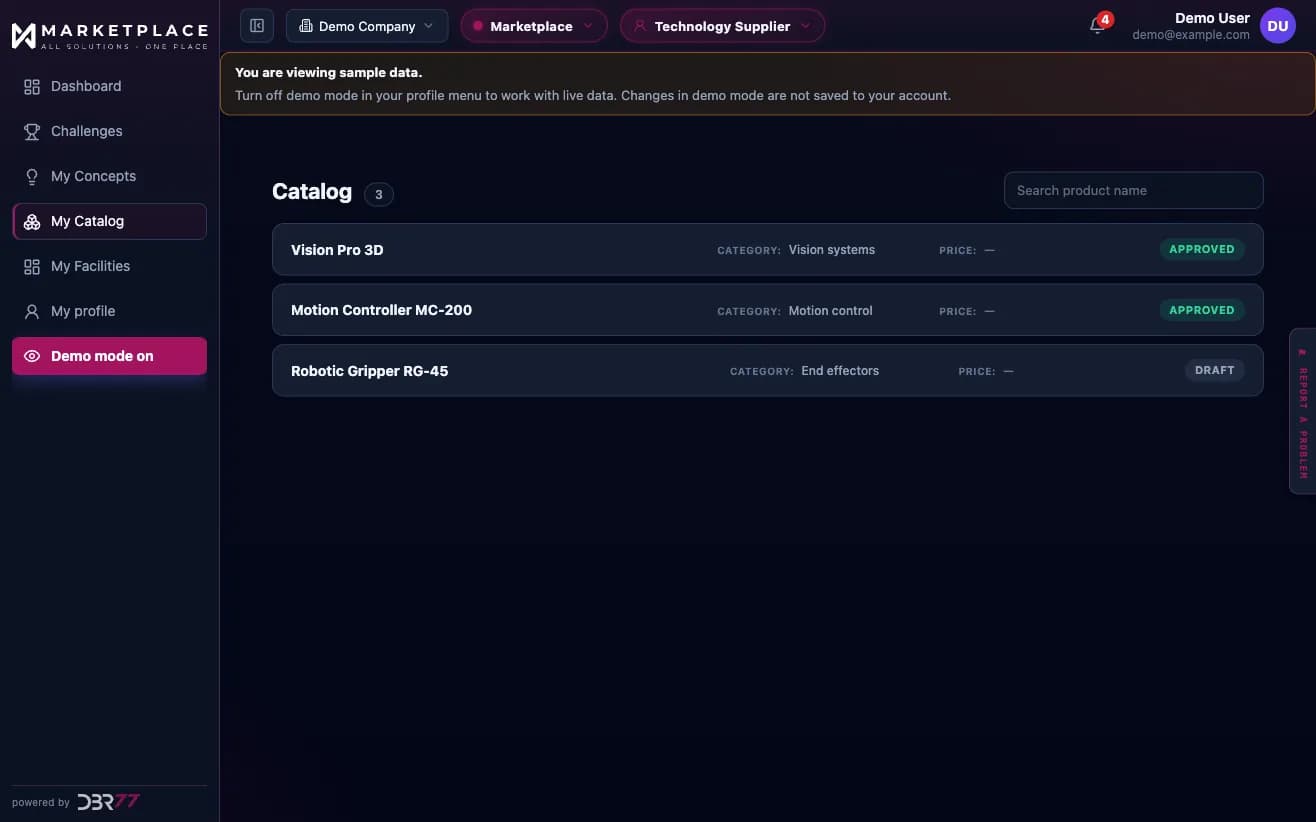
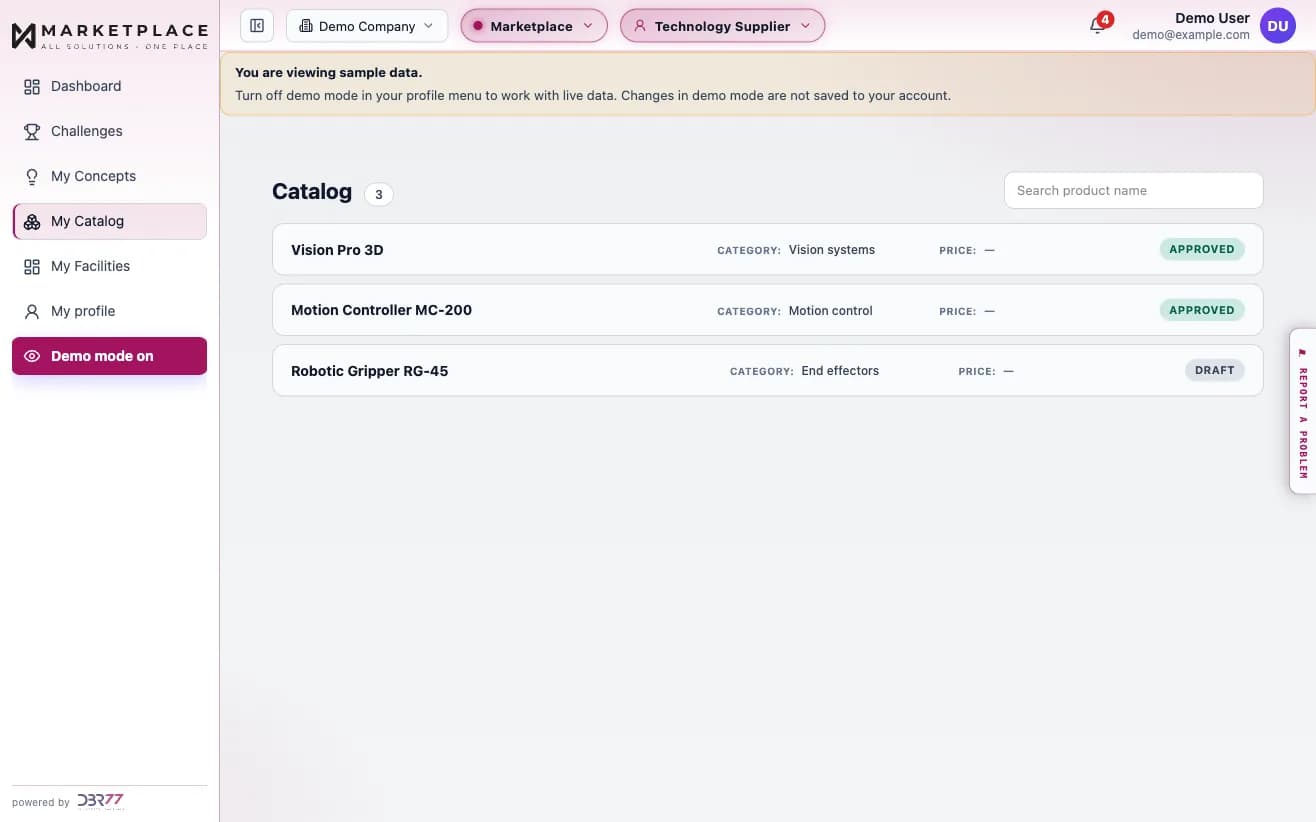
Each product has its own entry, and the application shows whether the product information is complete. A product page can offer a technical datasheet, a product catalog and a 3D model for download, and a link to a video.
Step 3
See where products are used
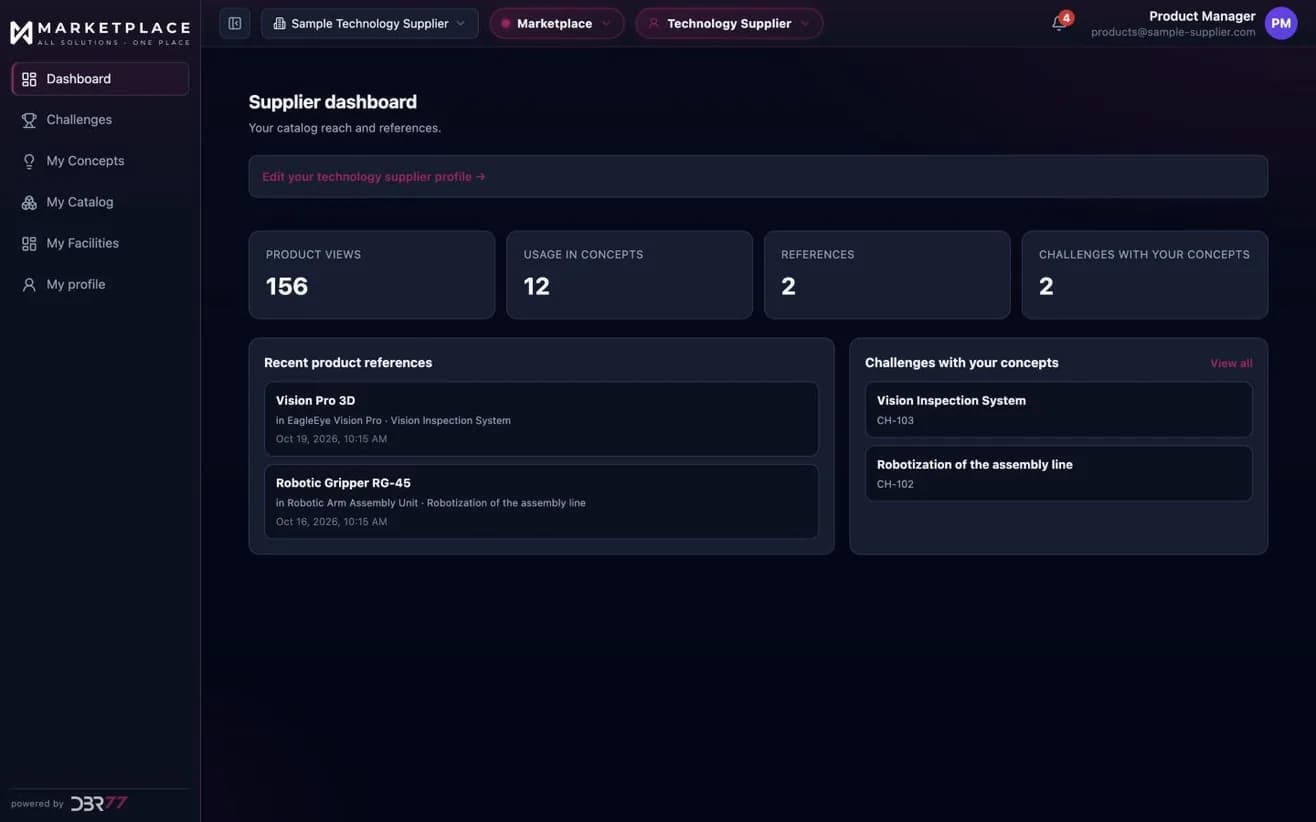
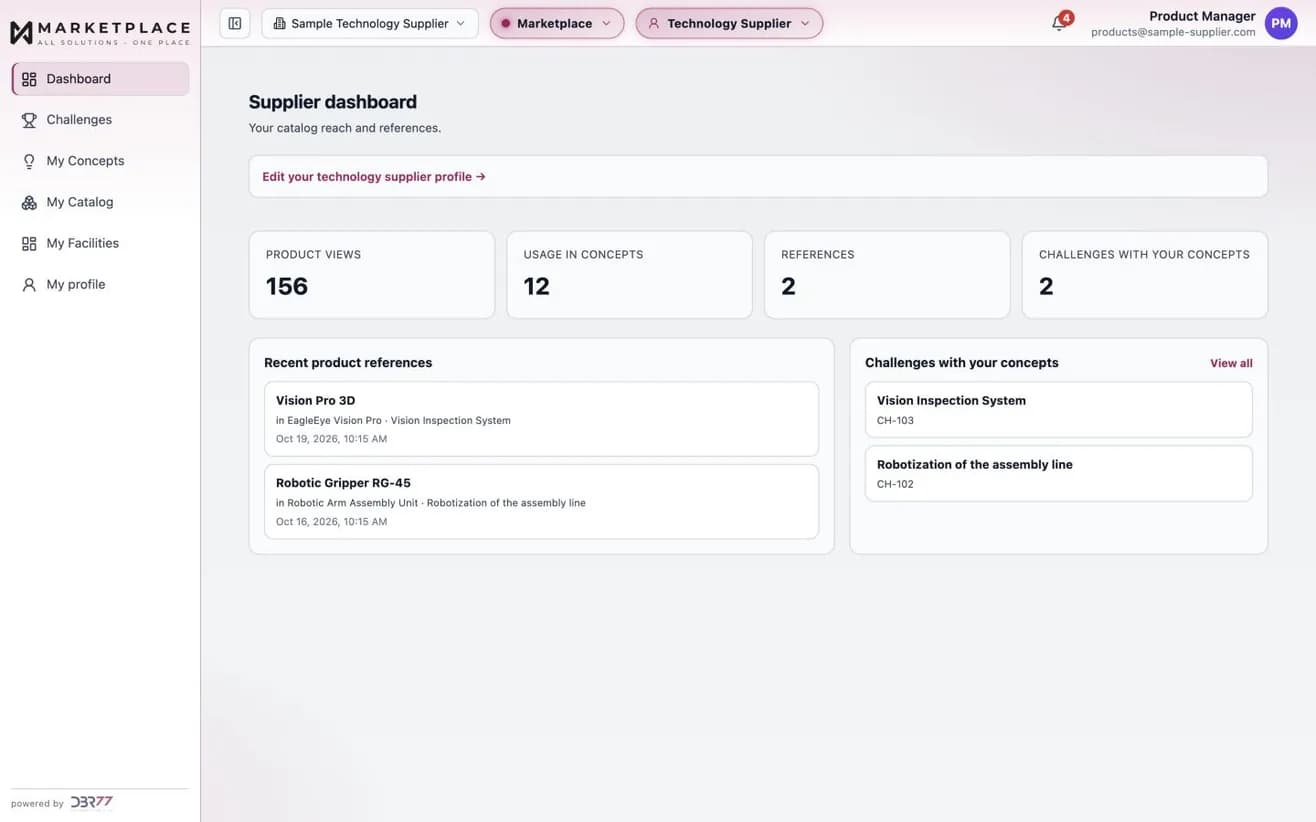
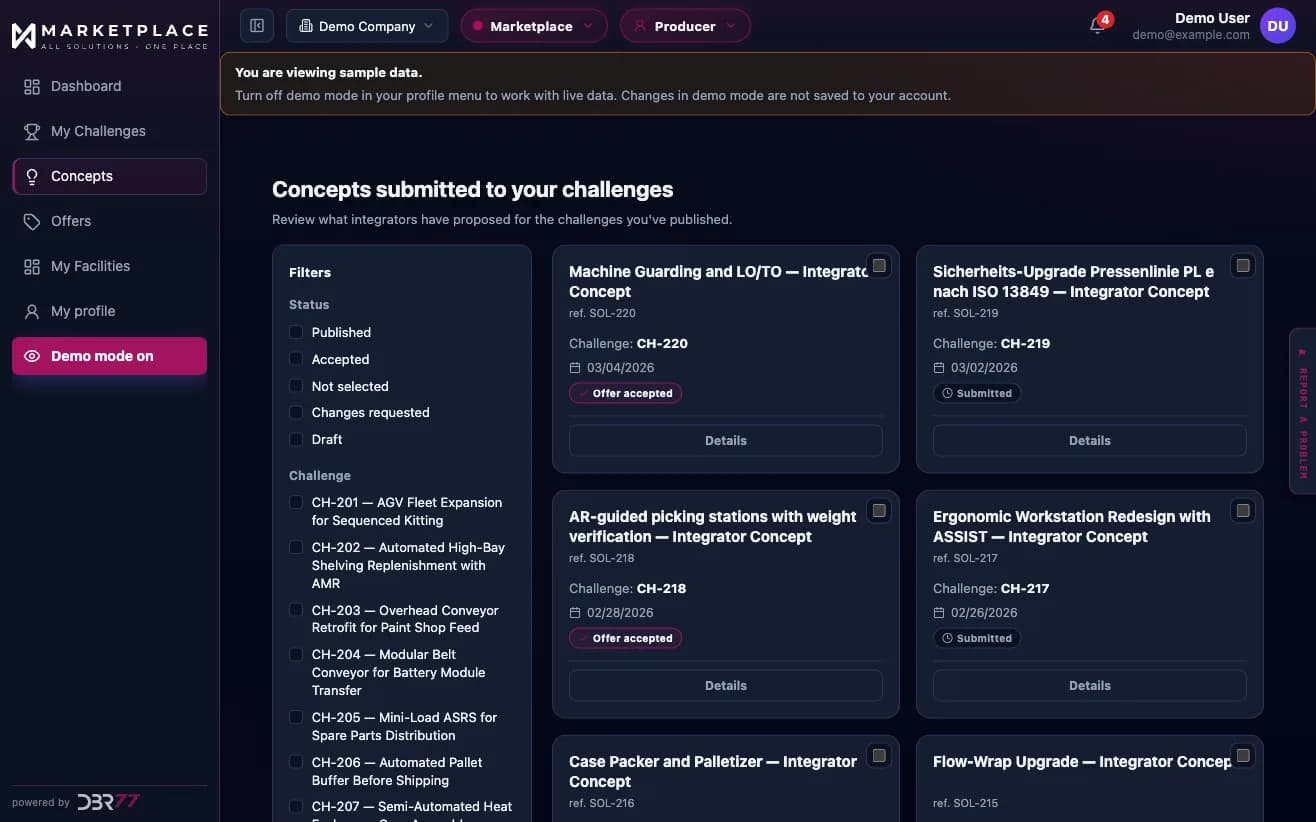
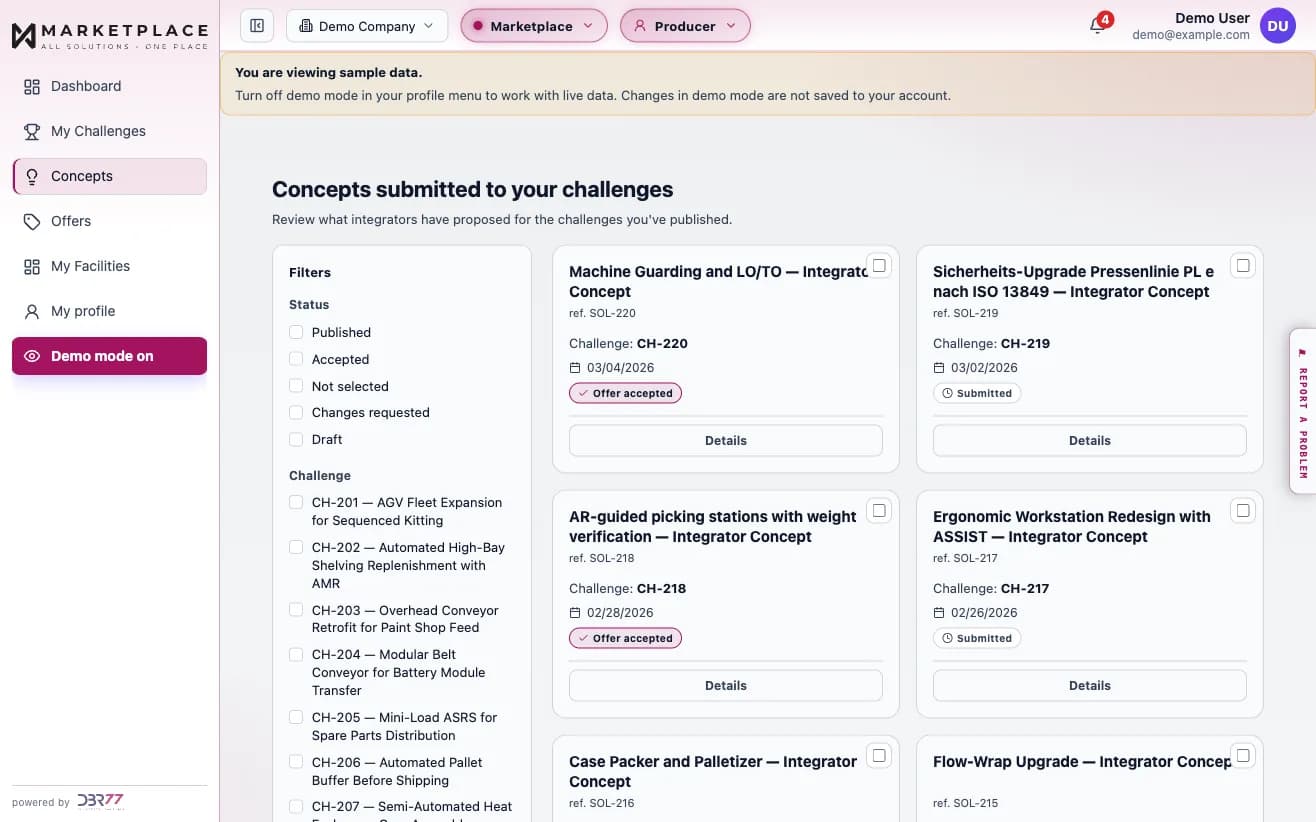
The supplier dashboard shows product views, use in integrators' concepts, references, and the challenges where your products appear.
Step 4
Signal interest in a component
You can offer one of your catalog products as a component for a challenge. The profile lists every challenge where you did so. The integrator decides whether to take up your offer.
Step 5
Show delivered projects
The profile can hold case studies of delivered projects and link the products used in them. Revenue reports have their own section in the application.
PRICING
What it costs
Technology suppliers pay a commission on successful deals, unless agreed otherwise.
- The commission rate falls as the project value rises.
- Unless agreed otherwise in writing, the standard commission terms apply.
- Distributors work on the same commission basis.
- Manufacturers use the marketplace for free.
Details: pricing and commission.
GETTING STARTED
How to start
Look through the demo
Open the supplier demo. It runs on sample data and needs no account.
Create the supplier profile
Fill in the wizard and accept the IP and legal terms before publishing.
Get the profile approved
DBR77 approves profiles before publication and verifies companies.
Add products to the catalog
Complete the product information so integrators can evaluate each product.
Follow the dashboard
See product views, use in concepts, references and the challenges where your products appear.
FAQ
Questions and answers
How do technology suppliers pay for DBR77 Marketplace?
Technology suppliers pay a commission on successful deals, unless agreed otherwise. The rate falls as the project value rises.
What does the product catalog do?
Integrators refer to catalog products in their concepts. The supplier dashboard then shows product views, use in concepts, references and the challenges where the products appear.
Do distributors have a place on the platform?
Yes. Integrators, technology suppliers and distributors work on a commission basis, unless agreed otherwise.
Who decides if my component is used in a project?
The integrator. You can offer one of your catalog products as a component for a challenge, and the integrator decides whether to take up the offer.
What has to be accepted before I publish a supplier profile?
You review and accept the IP and legal terms. DBR77 then approves the profile before publication.
Can I look at the application first?
Yes. The supplier demo opens the application with sample data, and no data is saved.
See it with sample data
The demo opens the application with sample data. If you prefer to talk to a person first, the team answers through the contact form and a meeting calendar.
READ MORE
Related articles and pages
- How to compare automation vendors effectively
- How to check automation supplier references without wasting time
- Case studies
For manufacturers
A manufacturing plant or warehouse publishes a Technology Challenge, receives concepts and offers from integrators in one standard format, and compares them side by side.
For integrators
An integrator builds a public profile, answers published challenges from manufacturing plants and warehouses with concepts and offers, and keeps offers, contracts and meetings in one application.